The term ‘clipping mask’ seemed so intimidating to me when I first started my digital art journey but it turned out it’s all very easy when you know how to use one.
A clipping mask allows you to paint on one layer while keeping everything you add restricted to the shape underneath.
Imagine you have a simple circle on one layer ( or an ellipse in our case). You can create a new layer above it, turn it into a clipping mask and then add a completely different colour, texture, pattern or shading and your brush strokes will stay inside the circle. Have a look at the example below:
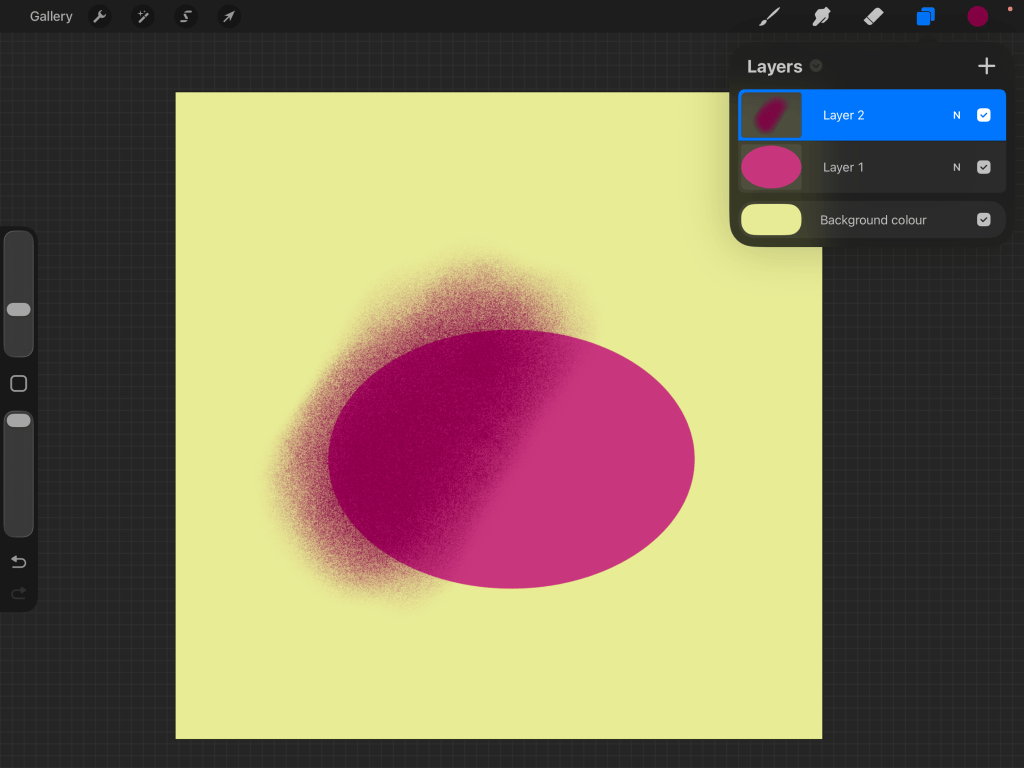
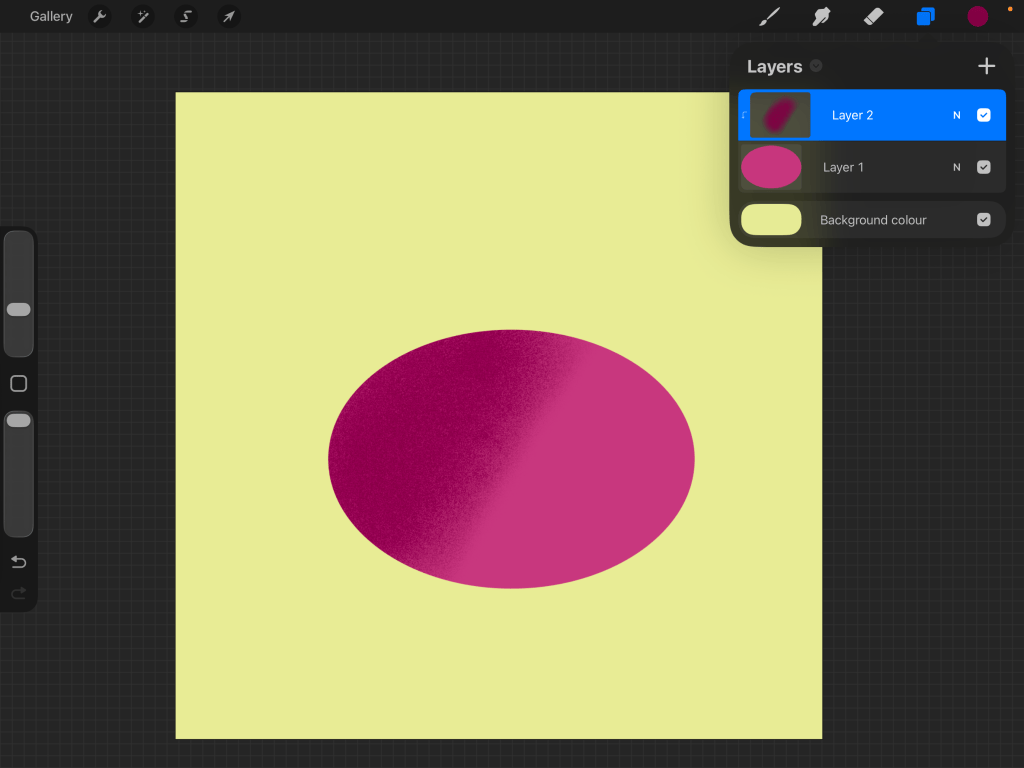
You can see on the second image that there is a small arrow on Layer 2 in the layer menu, that indicates the layer is set as clipping mask. With clipping mask the original shape remains untouched. You can turn the clipping mask on and off, change it’s opacity, or experiment with different colours without altering your original artwork.
Clipping masks are great for adding texture, creating highlights and shadows, adding patterns and experimenting with different effects.


Leave a Reply